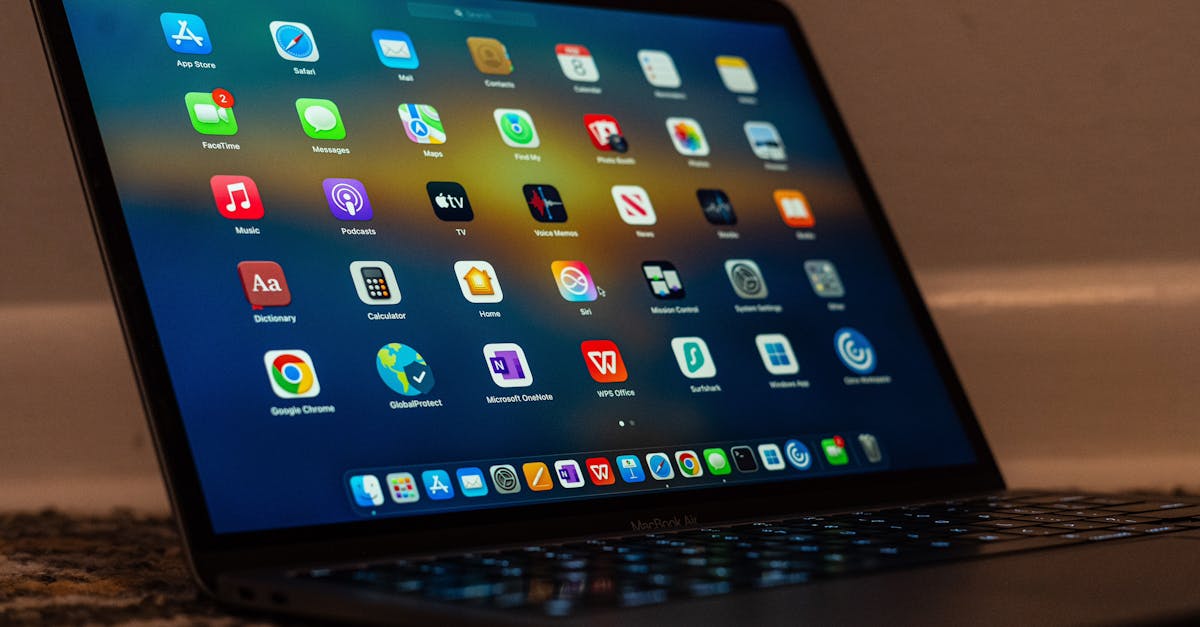
TL;DR: Google's launch of a native Gemini app for macOS brings low-latency multimodal AI directly to the desktop, eliminating browser bottlenecks for enterprise users. This move positions Google to challenge OpenAI's established desktop presence and integrate Gemini's 1.5 Pro workspace capabilities directly into local developer and business workflows.
Google launched its native Gemini app for macOS to secure a direct foothold on enterprise desktops, bypassing the web browser to compete with OpenAI's native Mac client and Apple Intelligence. Business professionals need local system access and keyboard shortcuts to maintain high productivity. See our Full Guide on how this client changes the operating system dynamics for enterprise users in 2026. This native client allows users to trigger Gemini 1.5 Pro using a system-wide hotkey, matching the utility of utility tools like Alfred.
How Native macOS Apps Improve Professional AI Workflows
Native desktop clients reduce latency and remove browser tab clutter, allowing professionals to execute AI prompts in real time across active applications. Web-based AI tools require constant context switching that disrupts deep work. A native macOS app lives in the system menu bar, ready to analyze screen contents or process text with a keyboard shortcut.
For enterprise workers, this transition from a browser tab to a system-level application improves execution speed. Google's native implementation uses macOS-specific APIs to handle drag-and-drop file inputs, allowing developers to drag code repositories directly into the chat window.
Screen Recognition and Local Context
The native client leverages system APIs to read active application windows when permitted. Users can ask Gemini to debug a line of code in Xcode or summarize a PDF opened in Preview without manual copy-pasting. This setup bridges the gap between local applications and cloud-hosted intelligence.
Reduced Memory Footprint
Running Gemini in a Google Chrome tab can consume hundreds of megabytes of RAM. The lightweight native macOS app optimizes local memory usage, which is essential for developers and creative professionals running heavy integrated development environments (IDEs) or video editing suites.
Why is Google challenging Apple and OpenAI on macOS?
Google is releasing a native macOS app to prevent OpenAI and Apple from monopolizing desktop AI access points. OpenAI launched its desktop Mac app in early 2024, followed quickly by Apple's integration of writing tools and Siri improvements in macOS Sequoia. If Google is restricted to browser tabs, it risks losing the high-value developer and enterprise market.
By providing a native app, Google keeps its Gemini Advanced subscribers inside its ecosystem. Enterprise users who rely on Google Workspace can now access Docs, Sheets, and Drive files through a desktop interface rather than navigating multiple browser tabs. This keeps Google competitive as multi-agent systems become standard in 2026.
Securing the Enterprise Gateway
Desktop apps act as a primary interface for daily business operations. Bypassing the browser lets Google gather deeper workflow telemetry (with user permission) to train future, hyper-specific workflow agents that automate complex business tasks.
What are the security implications of a native Gemini Mac app?
Native desktop AI applications present unique security considerations because they require system permissions to access local files, screen content, and system-wide inputs. Unlike sandboxed browser sessions, a native macOS application can request access to accessibility features, screen recording, and local directories. Chief Information Officers (CIOs) must evaluate how Google handles this data.
Google addresses these enterprise concerns by aligning the Gemini macOS client with Google Cloud's enterprise data privacy standards. For Gemini Business and Enterprise subscribers, data processed through the native Mac app does not train Google's public models.
Managing Local Data Leaks
IT administrators can deploy configurations via Mobile Device Management (MDM) software like Jamf to restrict the app's access to local drives. This ensures that sensitive intellectual property stays within secure corporate networks.
Key Takeaways
- Native integration reduces latency and context-switching, allowing professionals to use Gemini 1.5 Pro via global hotkeys.
- Google's desktop presence directly challenges OpenAI's macOS client and Apple Intelligence for corporate workflow dominance.
- Enterprise security policies must adapt to manage the system-level permissions required by native desktop AI clients.